 StashNote
Save it now.
Find it when you need it.
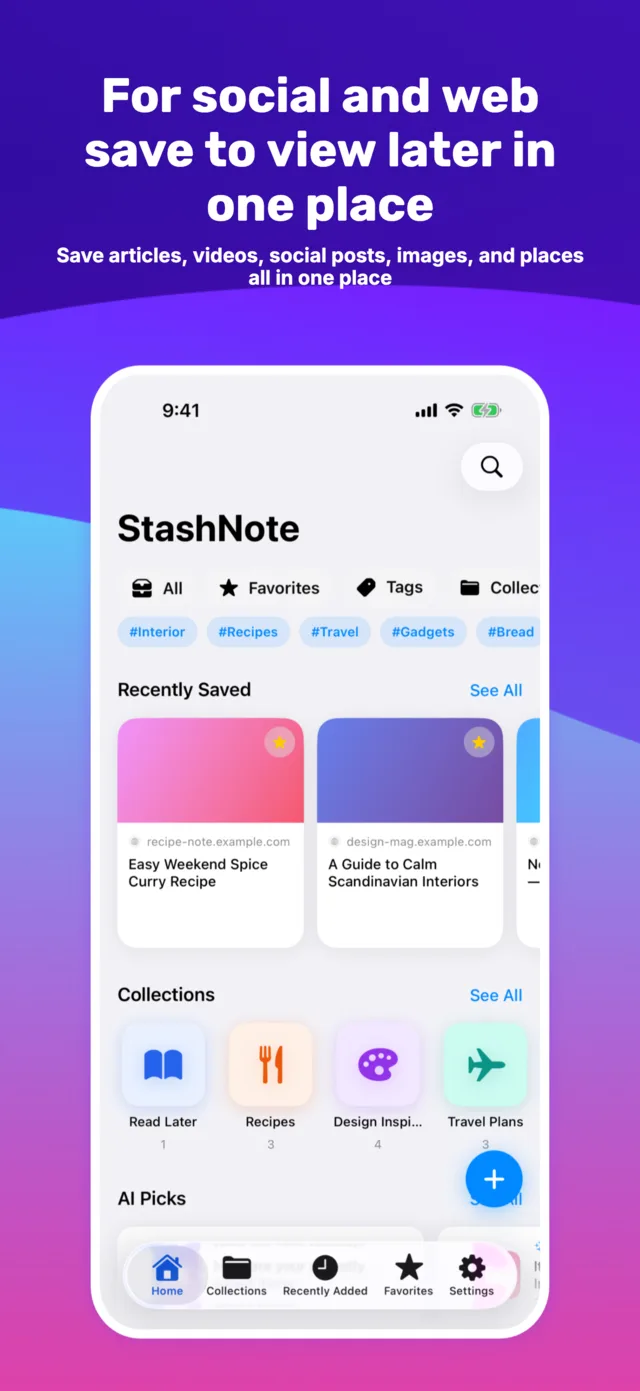
Save links from the web, YouTube and social apps. Organize everything in one place and find it fast.
See how it worksFree for up to 100 bookmarks and 20 collections.
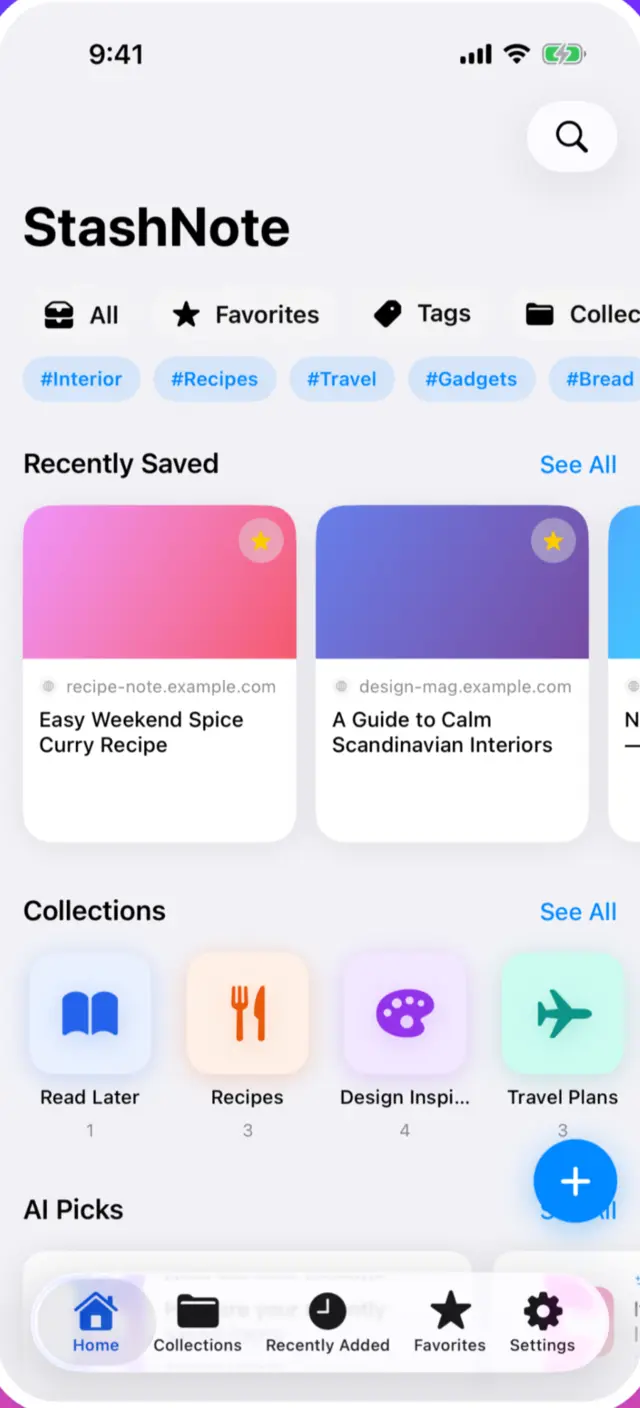
You saved it. Now you can't find it.
Safari bookmarks pile up until the page you need is buried.
"Saved" items on YouTube and social apps live in separate silos.
You end up re-searching for the same article, again and again.
Different sources. One place to keep them.
StashNote brings links to articles, videos and social posts into a single library. Organize with tags and collections, then get back to them in seconds.
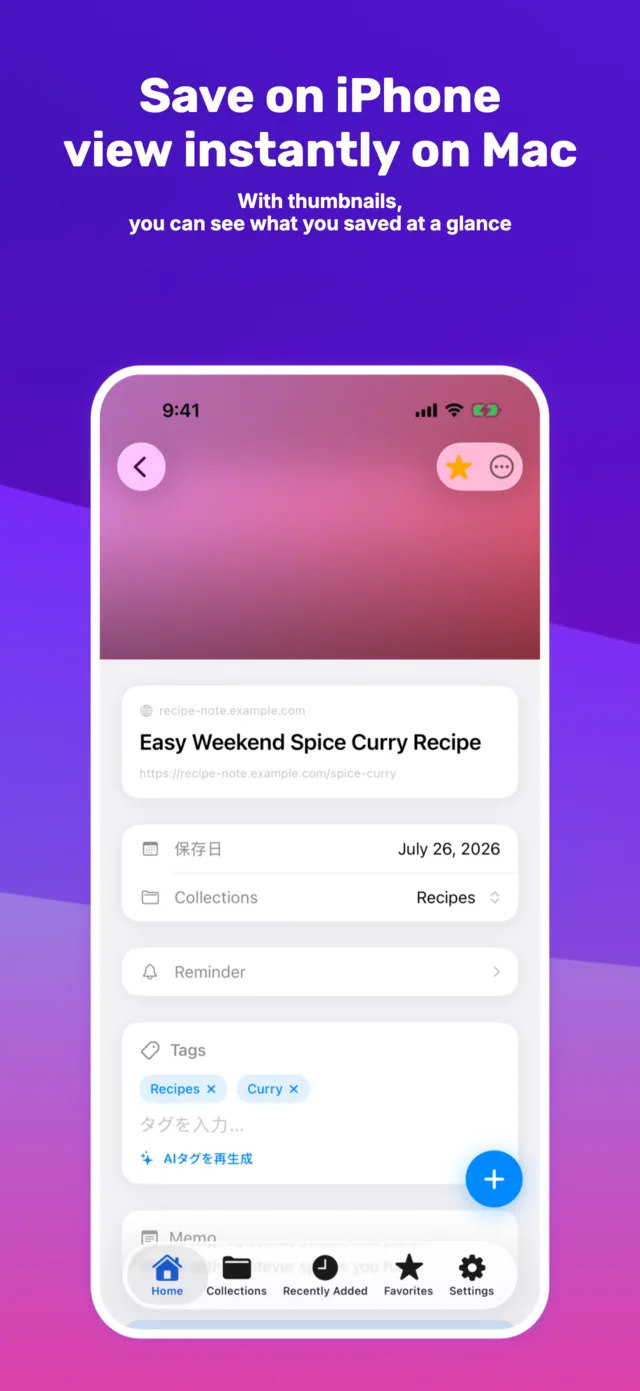
Read later, made effortless.
Save it, organize it, come back to it — without the busywork.
Save straight from Safari or social apps.
Use the share menu in supported apps to save a link in one tap — articles, videos and social posts alike.
On a Mac, you can also save with the Chrome extension.
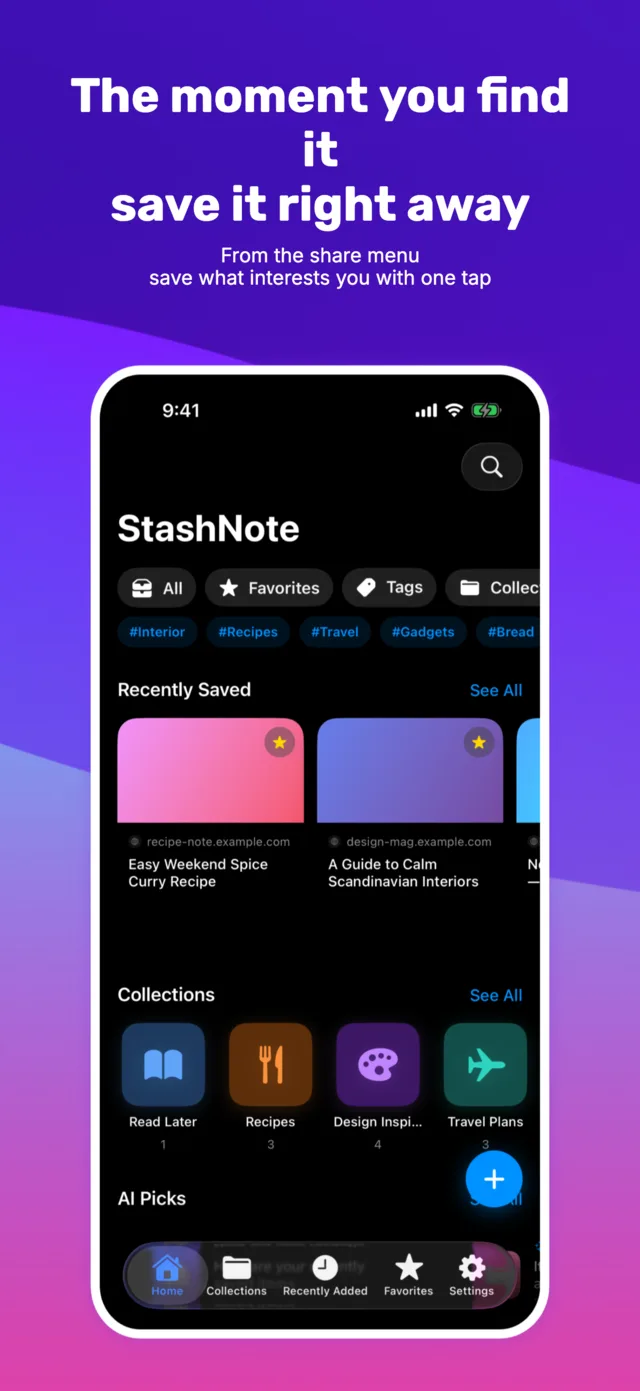
Keep growing lists tidy with tags.
Combine multiple tags with collections to group links by work, recipes, travel or anything else.
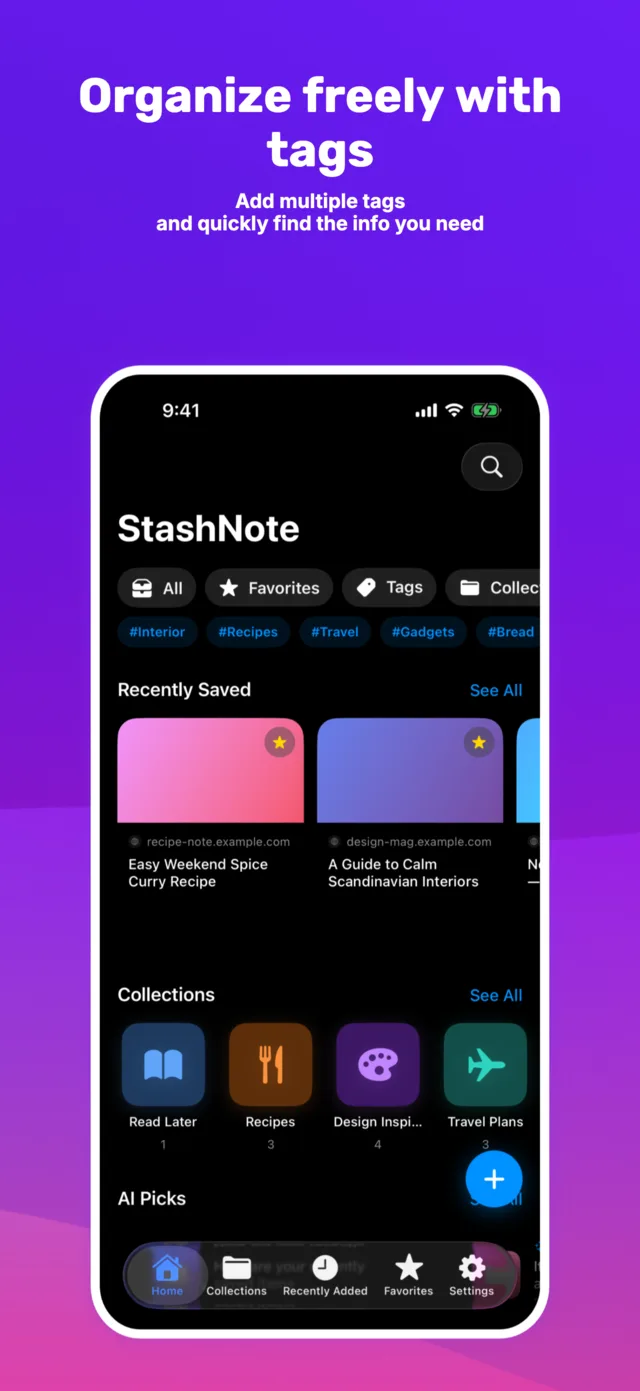
Find any saved link in seconds.
Search by title, URL, site name, notes or tags — and filter by tag right from the home screen.
iPhone, iPad or Mac — whichever is handy.
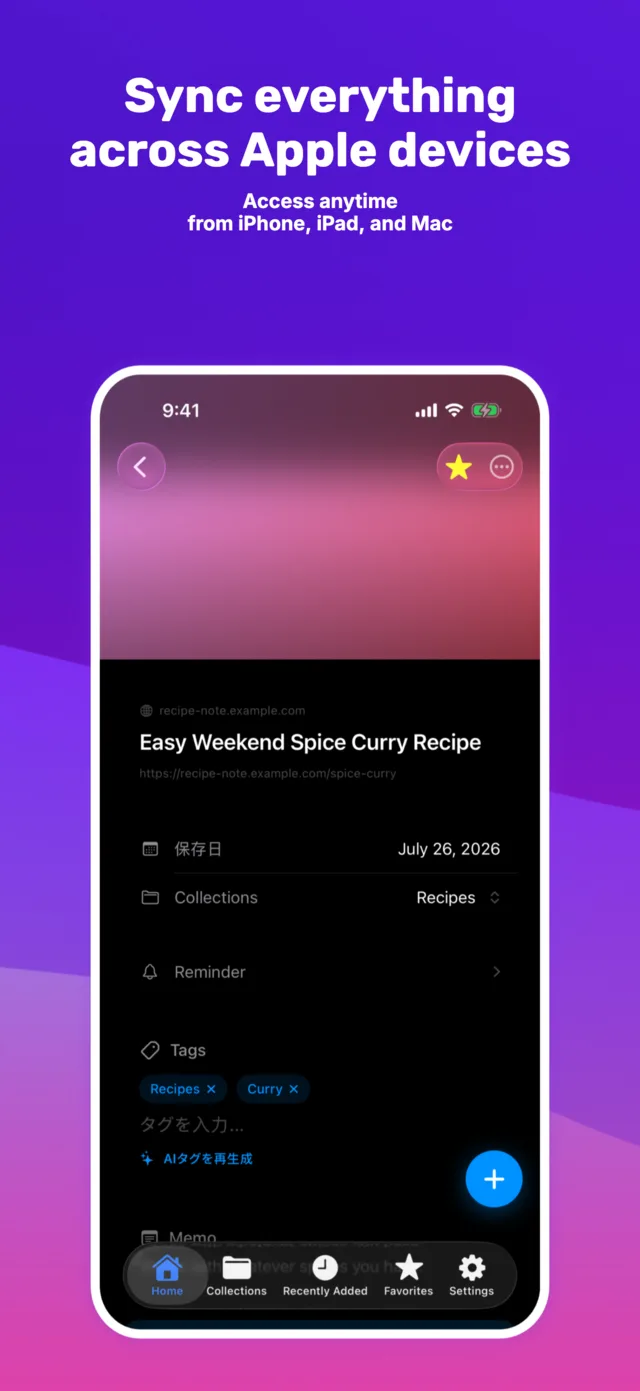
Your library syncs across supported devices. Sync requires a configured cloud account and an internet connection.
Thumbnail cards
Browse what you saved at a glance.
Notes on every save
Write down why a link mattered.
Favorites & reordering
Keep the important stuff within reach.
Save on iPhone. Sort on iPad. Read on Mac.
StashNote is designed to feel seamless as you move between iPhone, iPad and Mac.
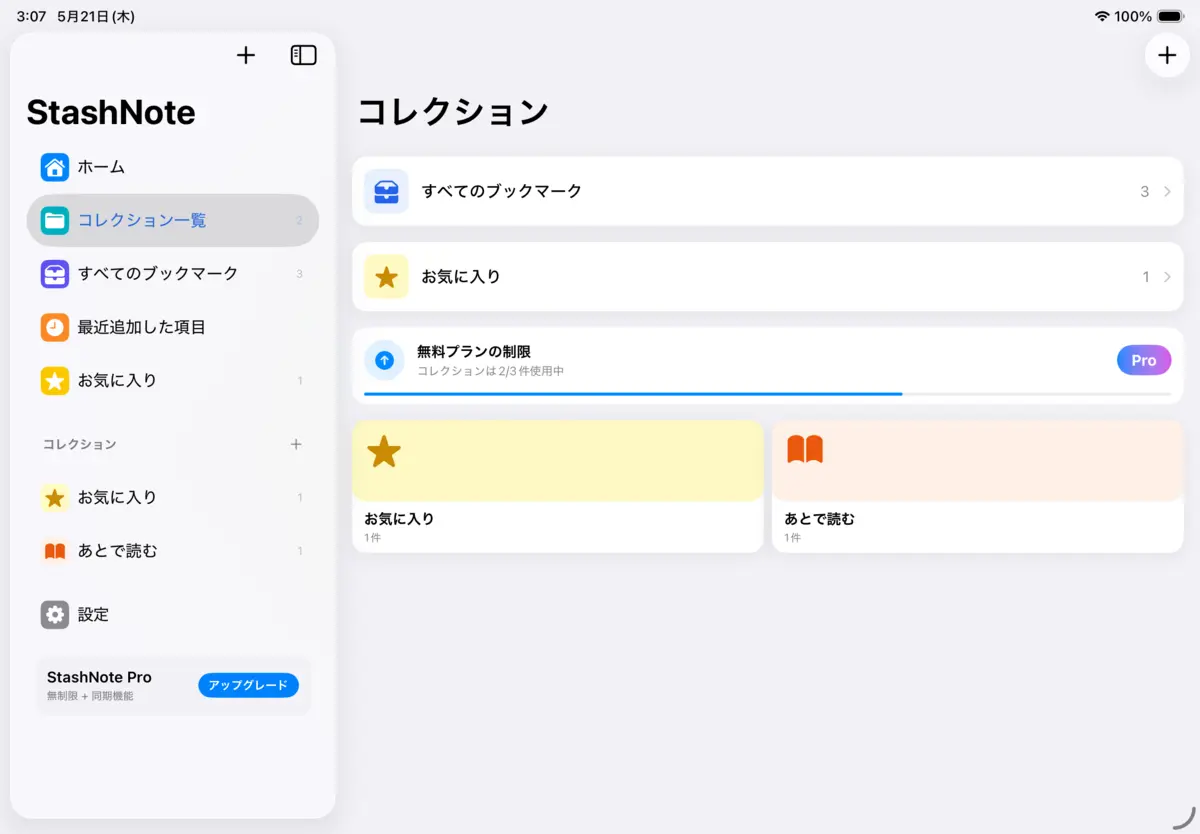
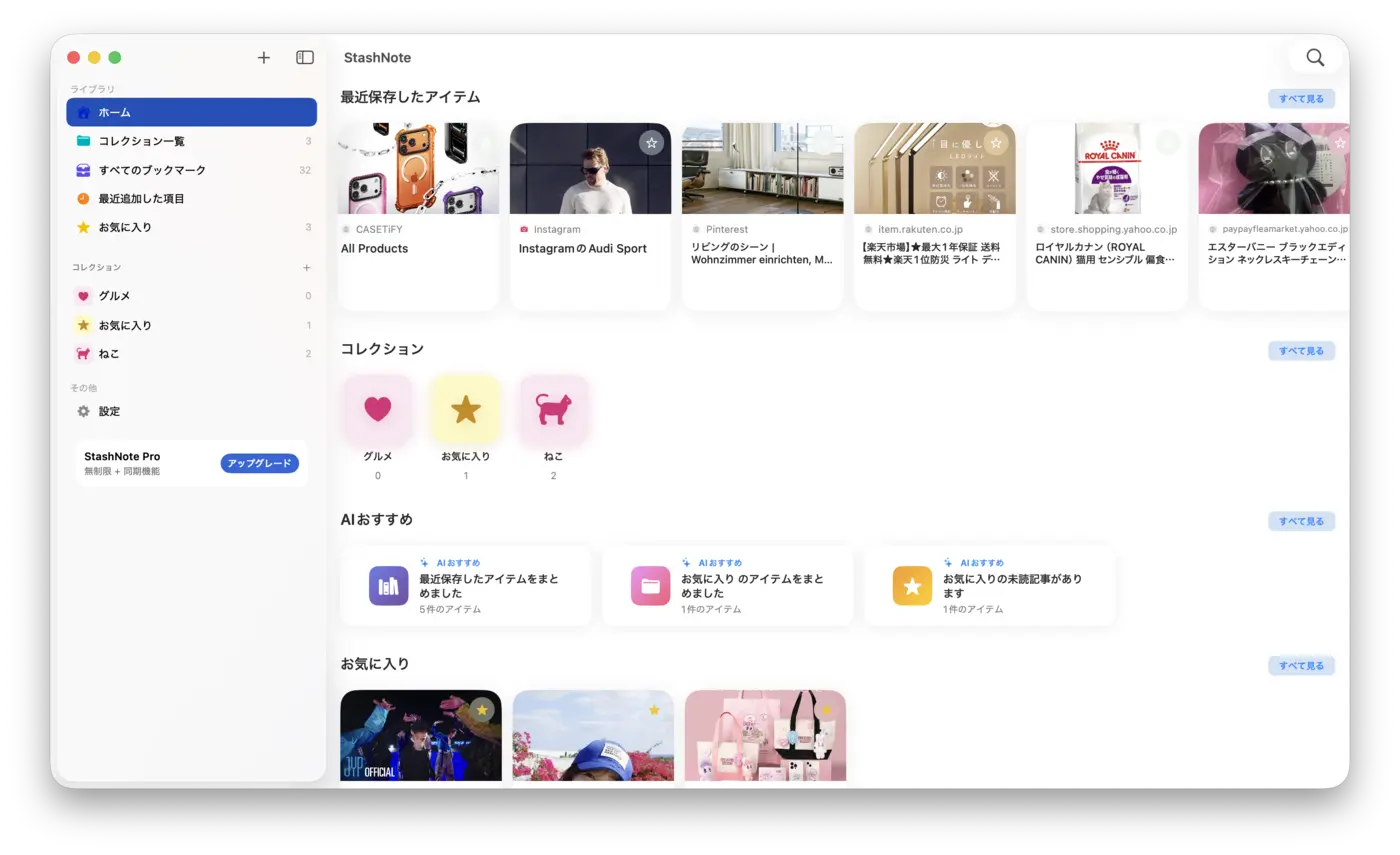
Sync requires a configured cloud account and an internet connection on supported devices. An Android version is also available on Google Play.
Made for everyday finds
Build a reading list for articles you want to revisit.
Collect video links and social posts by topic.
Add notes to research, study material and work references.
Keep travel spots and recipes together for later comparison.
Start free. Upgrade if you need to.
Free
Free to download
- Up to 100 bookmarks
- Up to 20 collections
- Sync across supported devices included
Sync requires a configured cloud account and an internet connection.
StashNote Pro
Monthly, annual or lifetime — see prices on the purchase screen
- Unlimited bookmarks and collections
- Automatic tag suggestions based on saved content
- Collection locks with biometrics or a passcode
- Reminders to revisit saved items
Subscriptions renew automatically until canceled and can be managed in your device account settings.
Frequently asked questions
Is StashNote free?
StashNote is free to use for up to 100 bookmarks in 20 collections, and sync across supported devices is included in the free plan. StashNote Pro is a paid upgrade with monthly, annual or lifetime options; check the purchase screen for current prices.
Does StashNote save the full page?
StashNote saves links to articles and videos. It does not download videos or save complete articles for offline reading. Opening a saved link may require an internet connection or a login to the original service.
Can I sync across devices?
Yes, your library syncs across supported devices. Sync requires a configured cloud account and an internet connection.
Is there an Android app?
Yes. StashNote is available for iPhone, iPad and Mac, and also on Android via Google Play.
Is there a Chrome extension?
Yes. The StashNote for Chrome extension lets you save web pages and links straight to StashNote. It doesn't work on its own — the StashNote app for Mac needs to be running on the same computer.
How is my data handled?
See the Privacy Policy for details on how your data is handled.
Save your first bookmark today.
Save it now. Find it when you need it.